Start with the remaster and a Practice session
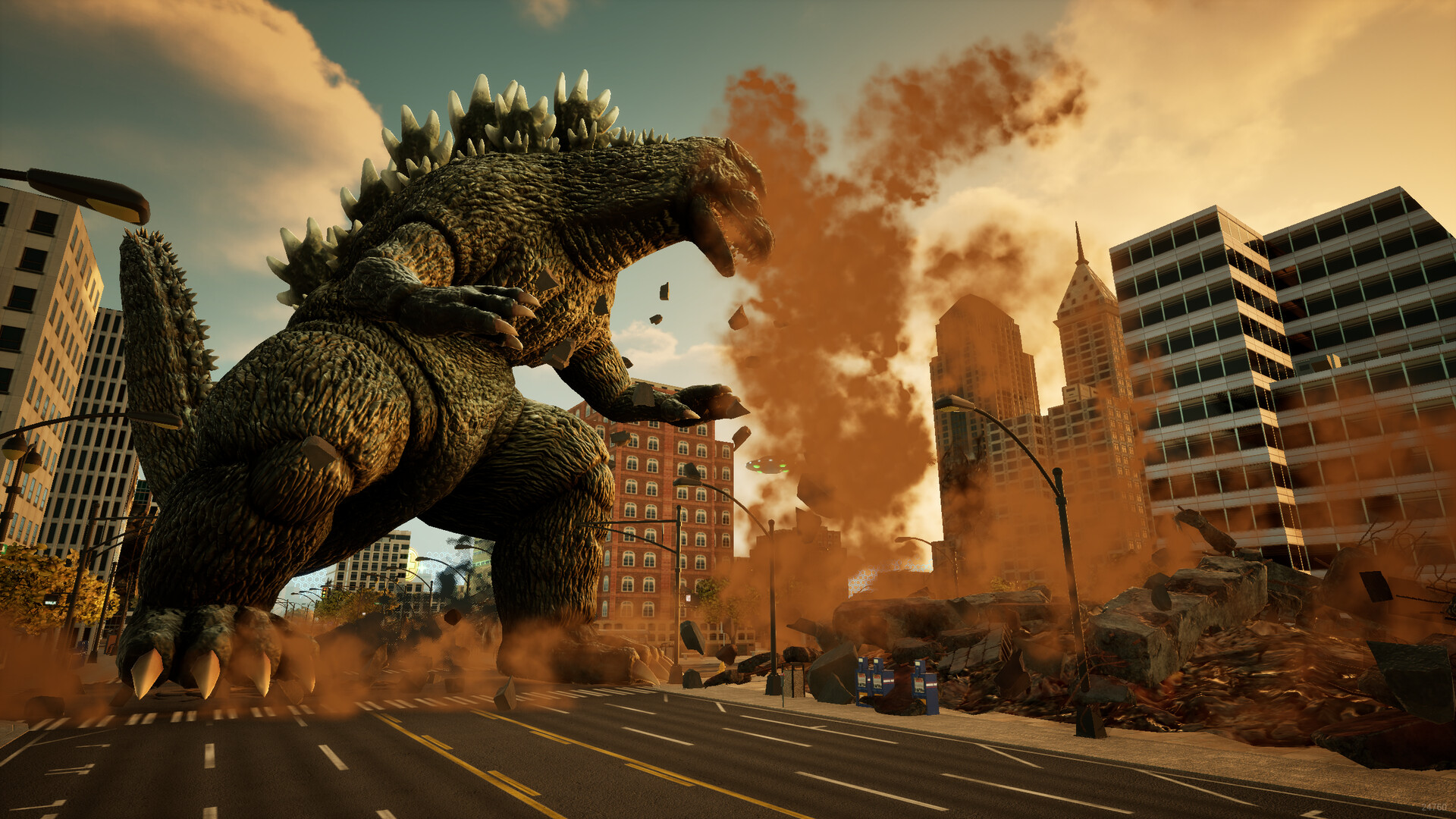
Godzilla: Destroy All Monsters Melee Remastered is Pipeworks Studios’ updated kaiju arena fighter, published by Atari, where you defeat rival monsters and turn destructible buildings into weapons. Buy the full game for your system, learn a starting fighter in Practice, then begin Adventure Classic.
Identify the game before choosing a version
This release remasters the original 2002 arena fighter and launched on November 3, 2026. Pipeworks Studios returns as developer, with Atari publishing the game. The remaster adds enhanced visuals, updated progression and online multiplayer to its monster battles.
The roster contains 12 kaiju, with battles across 8 main locations and arena variations. Those settings include recreated cities, Monster Island and the alien Mothership, with day and night variations. Your immediate goal is to win monster battles; learning how your chosen fighter handles is a useful place to begin.
Choose the storefront for your system
The full game is available through the platform stores below. Choose the entry that matches the hardware you intend to use. Check that the product title includes Remastered before purchasing.
| Your system | Open the full-game product |
|---|---|
| Windows PC | Open the Steam page for the full game. |
| PlayStation 5 | Open the PlayStation Store product page. |
| Xbox Series X|S | Open the Xbox Store product page. |
| Nintendo Switch | Open the Nintendo Switch game page. |
| Nintendo Switch 2 | Open the Nintendo Switch 2 game page. |
Choose a full edition before considering the upgrade
The PlayStation Store lists a standard edition containing the base game and a Digital Deluxe Edition that also includes the base game. If your immediate goal is to start playing, the base game is the direct entry point. Compare the edition contents before choosing extras for your first purchase.
The separate Digital Deluxe Upgrade requires the base game. Its content includes Burning Millennium Godzilla (2025), Mechagodzilla (1974) Black ver., Smash Station (The Ring, 2026 Edition), and a black-and-white movie filter. Check whether the product you selected is a full game edition or the upgrade before completing the purchase.
For the simplest first session, make the edition decision before following the install-and-Practice route below. Keep your initial goal small: choose the correct game, learn the controls, and try the fighter that appeals to you.
Check the Windows requirements
On PC, compare your machine with the minimum requirements before buying. Steam supports Windows and recommends a gamepad, with full controller support. Keep the product page handy while checking your processor, graphics card and available storage.
| Option | Windows minimum |
|---|---|
| Operating system | Windows 10 64-bit. |
| Processor | Intel Core i7-9700 or AMD Ryzen 5 3600. |
| Memory | 16 GB RAM. |
| Graphics | NVIDIA GTX 1650 with 4 GB VRAM. |
| DirectX | Version 12. |
| Storage | 8 GB of available space. |
Go from purchase to your first Adventure
- Choose the full base game on your platform’s store so you have the game needed to start playing. The Digital Deluxe Upgrade requires the base game.
- Install the full game on your chosen system so you can move into a first session. Use the storefront associated with that system.
- Open Settings → Controls to see the layout for the controller you are using. Read the action names before trying combinations in battle.
- Choose a starting fighter for your first practice session. The starting selection includes Godzilla, Anguirus, Megalon and Gigan.
- Try that fighter in Practice to get comfortable before entering Adventure. Use this session to recognize your basic attacks and movement.
- Begin Adventure Classic with the fighter you practiced. Adventure earns character experience and Research Points, giving your early battles a progression goal.
- Select an available Research Project in the G-Force Lab before continuing your match sessions. Earned points fill the selected project’s progress bar.
Use Godzilla as a straightforward starting point
Heisei Godzilla is a balanced starting choice for newcomers, with useful melee combos and all-round stats. His slow-charging high-energy pulse can leave him open to counters, so avoid building your whole approach around it. Against a ranged attacker, look for opportunities to close the distance and use those melee options.
You can also begin with Anguirus, Megalon or Gigan if another monster appeals to you. Try the starting fighter you actually want to keep playing before committing to a longer Adventure session. Familiarity with that fighter is a more useful early goal than trying to master the whole roster at once.
Choose the next goal that fits your session
For solo progression, keep playing Adventure while working through the G-Force Lab’s Rumors and Projects. Rumor objectives reveal related projects, and completing selected research opens its rewards. Choose an available reward you want so your next session has a clear purpose.
For a session with friends, the remaster supports local play and online multiplayer. On PlayStation, online play requires PS Plus, while online play itself is optional. Decide whether you want solo progress or a multiplayer session before choosing what to launch.
When you want a longer objective, use the achievement guide to plan mode clears and collection goals. Move to the Adventure Challenge guide when preparing a fighter for its harder solo scenarios. Keep the first session focused on learning your monster and finishing a comfortable run.