Start With the Full Game and Your Platform
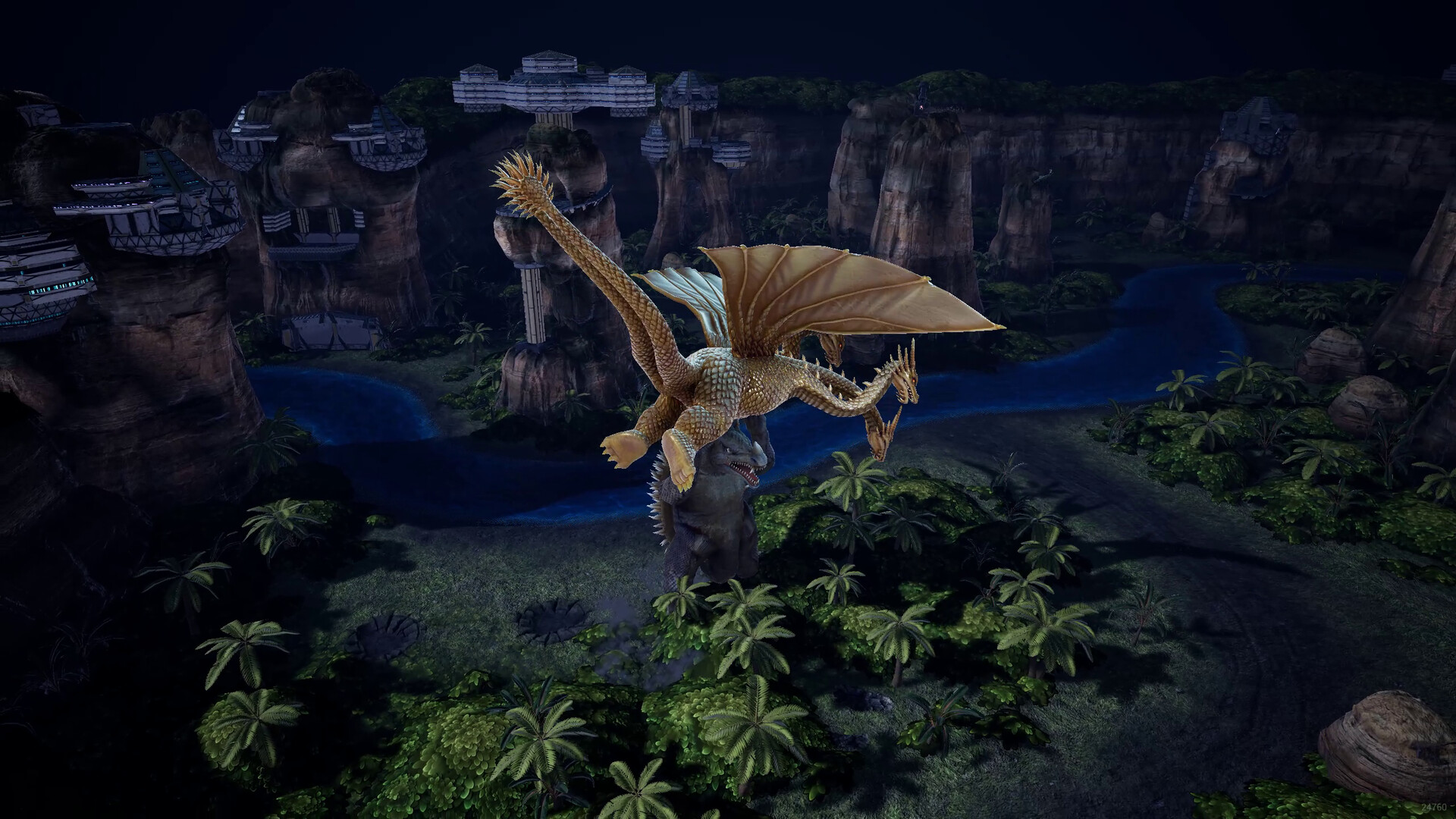
Godzilla: Destroy All Monsters Melee Remastered is a paid full release with local Custom Battles for up to four players, online PvP, and Windows plus console editions. The advertised free Steam demo period has ended, so use the full-game listings below when choosing a version to download.
Multiplayer, Demo, Price and Release Answers
- Does the game support multiplayer or co-op?
- Yes. Local Custom Battles support up to four players, and the game also offers online PvP. The store description calls local play co-op, while Steam lists shared/split-screen features and Remote Play Together.
- How many players can fight online?
- The published limits differ by platform. Nintendo lists two online players, while PlayStation advertises up to four with PS Plus; Atari described the launch demo's online quick matches as one-on-one. Check the listing for your edition rather than applying a local player count to online play.
- Can friends on different platforms play together online?
- No crossplay was supported at launch, according to launch coverage. Plan an online session around the same platform as your friend. Steam Remote Play Together provides another route for a Steam owner to invite friends into local multiplayer over the internet.
- What does the full game cost, and is it free?
- The full game is paid. The US storefront snapshot lists the standard game at US$29.99 on Steam, PlayStation and Xbox; Steam also lists a US$5.99 Digital Deluxe Upgrade and a discounted US$34.90 Digital Deluxe bundle. The free product was the limited Steam demo.
- Which platforms can I buy it on?
- Digital editions are available through Steam for Windows, PlayStation Store for PS5, Xbox Store for Xbox Series X|S, and Nintendo eShop for Nintendo Switch and Nintendo Switch 2. The Nintendo editions have separate listings. Atari also advertises physical editions for PS5 and both Nintendo systems.
- What PC requirements should I compare against my system?
- Use Steam's Windows minimum and recommended specifications in the table below. The minimum includes Windows 10 64-bit, 16 GB RAM and a GTX 1650 with 4 GB VRAM. Steam recommends a gamepad and lists full controller support.
Open the Correct Full-Game Listing
| Platform | Store Action |
|---|---|
| Windows | Open the full Windows game on Steam. |
| Xbox Series X|S | Open the full game on the US Xbox Store. |
| Nintendo Switch | Open the Nintendo Switch full-game edition. |
| Nintendo Switch 2 | Open the Nintendo Switch 2 full-game edition. |
Compare Full-Game and Upgrade Prices
| Product | US Price | Purchase Scope |
|---|---|---|
| Standard full game | US$29.99 | Listed on the US Steam, PlayStation and Xbox storefronts. |
| Steam Digital Deluxe bundle | US$34.90, discounted | The Steam bundle option for the full game and Deluxe content. |
| Steam Digital Deluxe Upgrade | US$5.99 | An upgrade product rather than the standard full-game purchase. |
| Limited Steam demo | Free during its advertised period | Advertised availability ended October 27, 2026. |
Check Your PC Against Steam's Requirements
| Option | Minimum | Recommended |
|---|---|---|
| Operating System | Windows 10 64-bit | Windows 11 64-bit |
| Processor | Intel Core i7-9700 or AMD Ryzen 5 3600 | Intel Core i7-10700K or AMD Ryzen 5 5600X |
| Memory | 16 GB RAM | 32 GB RAM |
| Graphics | NVIDIA GTX 1650 with 4 GB VRAM | NVIDIA GTX 1070 / GTX 1080 with 8 GB VRAM |
| DirectX | Version 12 | Version 12 |
| Storage | 8 GB available space | 8 GB available space |
- Compare your processor, graphics card, memory, operating system and available storage against the Windows specification table before purchasing.
- Consider a controller for the Steam edition: it lists full controller support and recommends a gamepad.
- Check VSync in the PC graphics settings if display behavior is unexpected; the November 3 hotfix enabled it by default.
Prepare for Console Multiplayer
- For Nintendo Switch 2 online play, have Nintendo Switch Online; Nintendo lists online play for two players.
- For Xbox console online multiplayer, check the listed requirement for Game Pass Essential or a higher membership.
- For Nintendo downloads, select the edition matching Nintendo Switch or Nintendo Switch 2 because they have separate official listings.
Choose and Download Your Edition
- Open Atari's digital product page to choose the platform you own.
- Check the selected store product's platform and edition name so you are choosing the full-game version you want.
- Compare the current checkout total with your budget before completing the purchase.
- Use your platform's download controls after purchase to install the selected full-game edition.